
Introducing DataDome’s Hosted MCP Server for Direct AI Agent Access to Trend Reports
Most security teams aren’t short on data. They’re looking for easier ways to put that data to work.
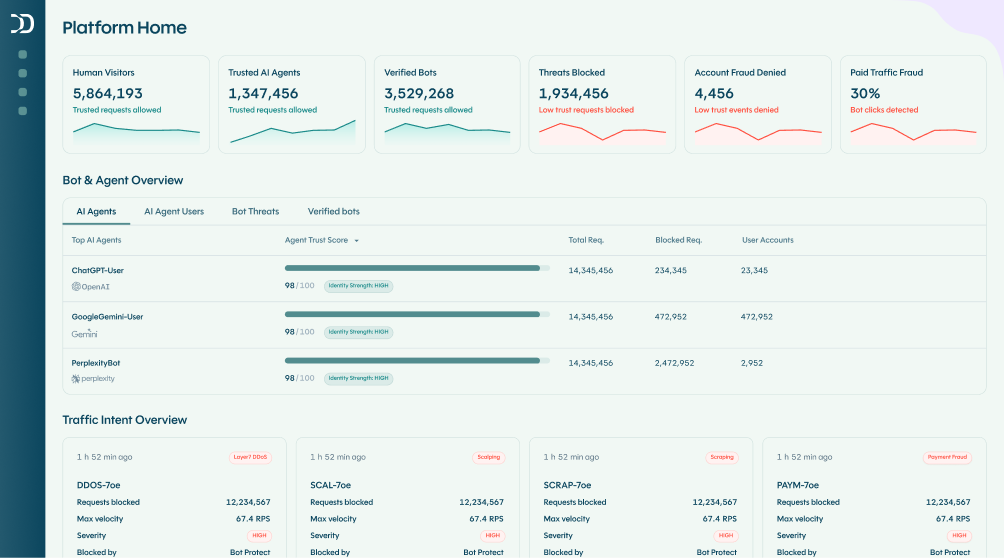
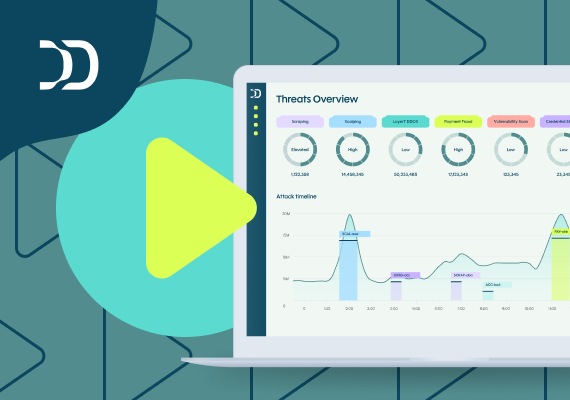
DataDome’s Trend Reports provide valuable visibility into automated traffic across your applications and APIs, helping teams understand traffic patterns, changes over time, and where automated activity is increasing or shifting. Today, customers access that insight through the DataDome console.
Now, with DataDome’s hosted MCP server, teams can also make Trend Reports data available to AI assistants and agentic workflows—so your agents can query that data directly, allowing you to ask questions and explore insights in natural language, without leaving the tools you already use.
Bringing Trend Reports into more workflows
Trend Reports already give teams valuable visibility into automated traffic across their applications and APIs.
The opportunity is to make that data easier to use beyond the DataDome console. Teams may want to reference traffic trends in an AI assistant, incorporate them into an internal workflow, or quickly answer questions without switching between tools.
AI agents can help bridge that gap, but only when they have direct access to the underlying data. DataDome’s hosted MCP server makes Trend Reports available to those agents.
MCP changes the access model
The Model Context Protocol (MCP) is a standard that lets AI agents securely retrieve data and take actions across enterprise platforms.
Think of it as a universal connector for AI. Instead of building custom integrations for every data source, MCP gives agents a standardized way to query, retrieve, and act on data—regardless of where it lives or which tool is doing the asking.
With DataDome’s hosted MCP server, your agents can query Trend Reports data directly from within the tools your team already uses.
That means asking your AI agents questions like:
- “Show me the top 3 threat types in the last 60 days.”
- “Which endpoints saw the most scraping activity?”
- “Compare this month’s credential stuffing activity to last month’s”
- “Summarize the largest spikes in automated traffic over the last 30 days.”
No manual exports. No custom integrations. Just answers based on DataDome insights.
How DataDome’s hosted MCP server works
Getting started with DataDome’s hosted MCP server is simple:
- Connect your MCP-compatible AI agent or tool to DataDome’s hosted MCP endpoint
- Authenticate using your existing DataDome credentials
- Query your Trend Reports data in natural language through your agent
- Pull responses into your existing workflows, reports, or dashboards
DataDome hosts and manages the MCP server, so there’s no infrastructure to deploy, no maintenance overhead, and no new tooling to learn. If your team already uses an MCP-compatible AI assistant or agent framework, you can connect in minutes.
Extend Trend Reports into your AI ecosystem
Trend Reports already give you visibility into automated traffic trends and evolving threats across your applications and APIs.
MCP access puts that intelligence where your team already works. Here’s what that might look like in practice:
Security analysts can investigate traffic spikes, compare trends across time periods, and correlate DataDome insights with signals from other tools—all through a conversational interface, without switching between dashboards.
Security leaders and executives can generate on-demand summaries and trend reports without waiting on manual data pulls. Ask for a summary of last quarter’s trends and get it in seconds.
Operations and DevOps teams can ask questions about traffic trends and changes in automated activity directly from the workflows they’re already running, whether that’s a Slack-connected assistant, an internal copilot, or a custom agent pipeline.
Whether you’re building internal AI assistants, connecting enterprise copilots, or running multi-agent workflows, MCP gives you a standardized way to bring DataDome intelligence into any of them.
Governed access by design
DataDome’s hosted MCP support is built around our Agent Trust vision—enabling AI interactions while giving you visibility and control over how data is accessed and used.
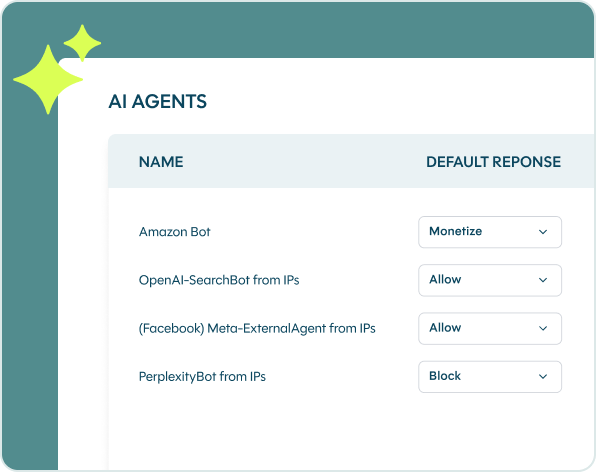
That means you decide which agents can connect and how they interact with your data.
Get started with DataDome’s hosted MCP server
Ready to put DataDome intelligence to work in your AI workflows? Book a demo with our team to learn more.

Related posts

Why Anthropic's Connector Expansion Makes MCP Security a Business Imperative
Tell me more
Secure FastMCP with Datadome native (first ever) integration
Tell me more
MCP Security: How to Prevent Prompt Injection & Tool Poisoning Attacks
Tell me more

MCP Security: Protecting Your Infrastructure From Malicious AI Agents
Tell me more