


New feature: Custom Rules
Have you ever wanted to fine-tune the configuration of your DataDome protection? Now you can!
We are happy to introduce a new feature in the DataDome dashboard: user-defined custom rules.
How it works
With Custom rules, you can easily fine-tune the configuration of your bot protection.
The new feature enables you to allow or deny access to all your online vulnerability points, and not only for specific IP ranges. By using our query language, DataDome DSL, you can filter your traffic very precisely for 13 different criteria such as referrer domain, user agent and country code.
Multiple criteria can be combined with the Boolean operators AND, OR, NOT in order to define complex queries.
By default, your Custom Rules will be applied to all your DataDome setup. But you can also choose to focus them on specific vulnerability points (parts of your website architecture), such as login pages, payment endpoints or machine-to-machine APIs.
How to create Custom Rules
You can configure Custom Rules either from:
- AI Detection page,
- Responses page,
- Custom Rules pages,
- Explore
From every page, simply click on the “Add a rule” blue button and fine-tune your rule according to your needs.
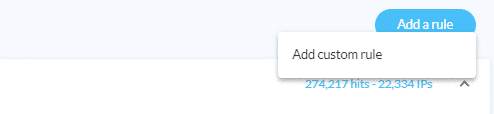
To learn more about how to create, test, edit and analyze Custom Rules, see our technical documentation.
Related posts

Introducing DataDome's Hosted MCP Server for Direct AI Agent Access to Trend Reports
Tell me more

Account Protect Updates: Clearer Visibility, Stronger Signals, & More Control
Tell me more
Q2 2026 Product Roundup: Agent Trust, Priority Protect, & More
Tell me more
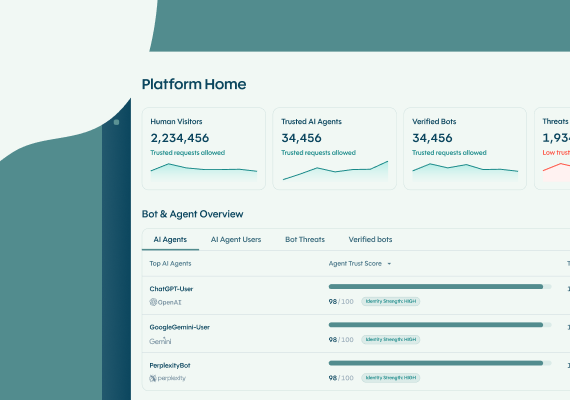
The DataDome Homepage: Your Command Center for Trust & Control
Tell me more

