


Real-Time Bot Protection for the Eclipse Vert.x Framework
If you’re part of the booming number of Eclipse Vert.x users, you’ll be delighted to learn that DataDome now offers a dedicated server-side module for Vert.x.
Our first Java module was introduced in the summer of 2017, and quickly became very popular. However, a growing number of customers have been voicing their interest in a Vert.x-specific module, so of course we obliged!

Thanks to the Vert.x module, any site that uses this excellent framework to create reactive applications on the Java Virtual Machine can now very easily be protected from automated traffic—you only need to copy and paste a few lines of code in your application.
Like all our server-side modules, the Vert.x module protects all your vulnerability endpoints, including web service APIs, payment funnels and forms, and you can create custom real-time rules to fine-tune your configuration.
Using DataDome With Java & Eclipse Vert.x
The DataDome Java module is plain Java 1.5 and allows two different integrations: either Java Servlet Filter or the new route handler for Vert.x HTTP servers.
To install the module, just copy and paste the Maven project from our technical documentation. You can also download it as a zip file (with sources) and manually install it to your local Maven repository.
The module comes with a custom route handler, which needs to process each HTTP request prior to any other handlers. Before the regular Vert.x process, the module makes a call to the DataDome API using a keepalive connection. If the DataDome algorithm determines that the user is a human, the handler pushes the request to the other handlers. If it’s a bot, the user is presented with a CAPTCHA challenge.
Please note that the handler needs to decode cookies to correctly identify bots, so you need to provide the cookie handler to the route.
The DataDome Vert.x module can be used with outbound proxy. To configure your proxy, you can either use system settings when running your Java application, or use optional route handler parameters. (Using the module with outbound proxy can increase the total time spent calling the DataDome API, so we recommend that you adjust timeout settings accordingly.)
Getting Started
To start testing DataDome with Vert.x today, click the Free trial button below and create your account (it takes less than a minute).
Then, follow the Java module installation instructions in our technical documentation. The whole process shouldn’t take more than 10 minutes, and you don’t need a credit card.
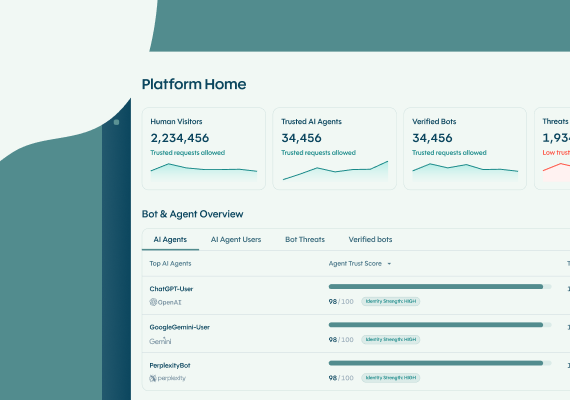
That’s it! You can now access your personal DataDome dashboard, and observe all bot traffic to all your vulnerability endpoints in real time.
Related posts

Introducing DataDome's Hosted MCP Server for Direct AI Agent Access to Trend Reports
Tell me more

Account Protect Updates: Clearer Visibility, Stronger Signals, & More Control
Tell me more

Q2 2026 Product Roundup: Agent Trust, Priority Protect, & More
Tell me more
The DataDome Homepage: Your Command Center for Trust & Control
Tell me more

