


API Security: How to Protect Single-Page Apps From Bad Bots
This is part 2 in a 2-part series on how to protect your APIs from malicious bots. See also part 1/2: Mobile API security: how to protect mobile app APIs from bad bots.
Single-page apps are one of the hottest web architecture trends today, and for good reasons. They’re fast, since they don’t need to reload resources such as HTML, CSS and scripts in response to every user interaction. They’re easy to deploy, and can be debugged with Chrome. And last, but not least, the code can be reused for a mobile application.
The typical implementation of a single-page app sends the browser a “shell” of an HTML page, without any meaningful content. The content is then dynamically loaded on demand via AJAX requests, and presented on the client side via a JavaScript framework, such as Angular, React, or Vue.
While API-centric architecture has many benefits, it also opens the door to abuse and to bad bot attacks.
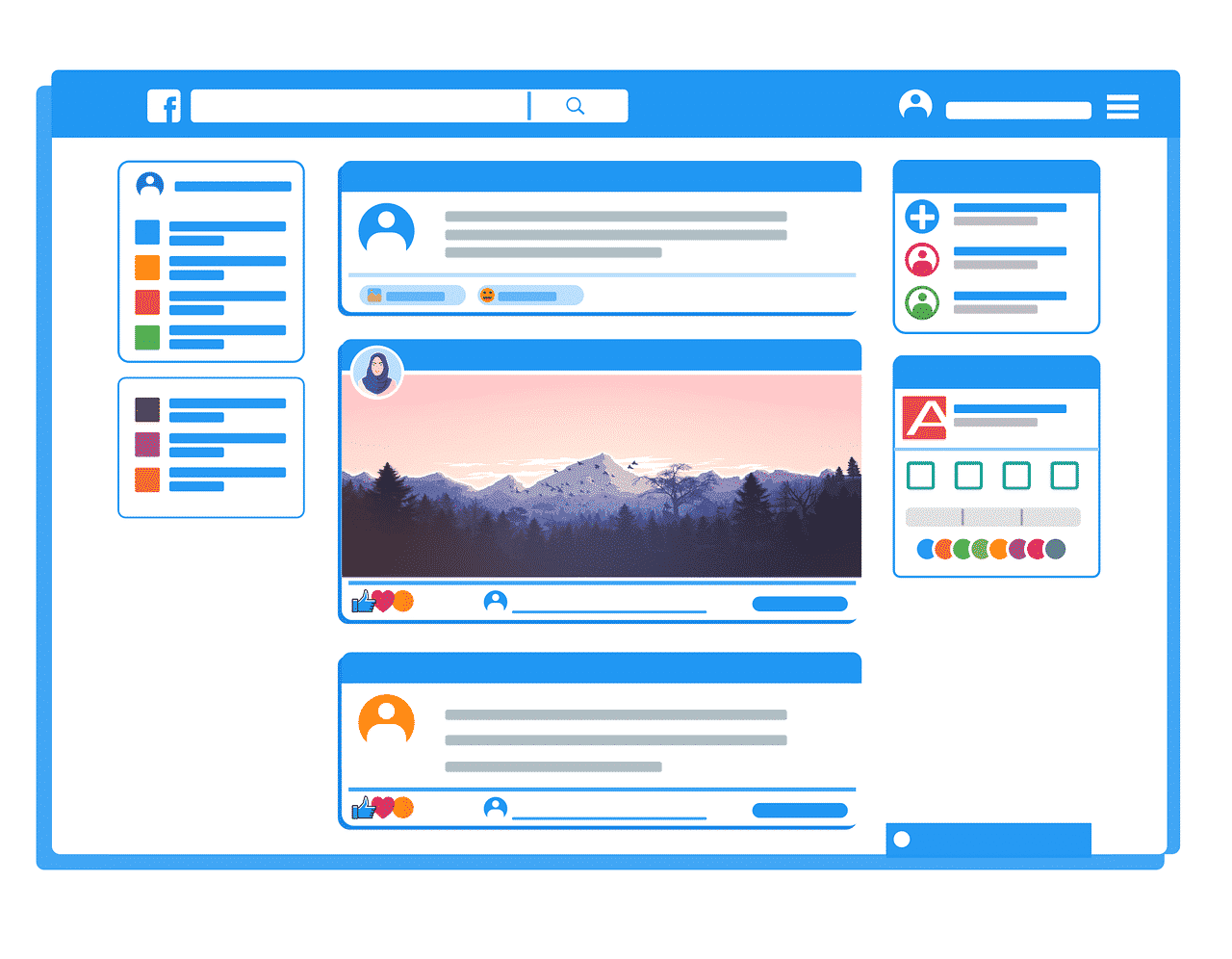
The APIfication of Online Content
Everybody loves APIs. By enabling all kinds of devices and applications to exchange information, via all kinds of communication protocols, APIs help developers create great user experiences much more easily and efficiently.
And the business benefits are tangible: according to CapGemini, companies that adopt “APIfication” grow revenue 5% faster, create integrated sales and marketing offers with partners 15% more often, and deliver new products and services 21% faster than competitors.
Unfortunately, hackers, content thieves and other malicious bot operators love APIs and their easy access to stable, structured information, too. Thanks to APIs, bots (just like legitimate apps and devices) can easily find the information they are looking for in the same place and the same format, every time.
In order to be safe from the threats that automated traffic represents, you therefore need to protect your APIs as carefully as you protect your traditional html pages.
Why bot protection is tricky on single-page apps:
Because they rely so heavily on AJAX calls, single-page apps are trickier to defend from bots than multi-page sites.
Let’s say that a visitor to your website is trying to access your product catalog. Your bot protection solution identifies the visitor as a bot. It therefore returns a 403 code instead of the catalog, and displays a CAPTCHA so that, if the visitor is actually human, (s)he can solve the CAPTCHA and access the requested content.
On a multi-page site, the process is seamless. Since every interaction on a multi-page site brings up a new page, the browser doesn’t care whether it displays a product catalog or a CAPTCHA; they’re just alternative pages.
With single-page apps, on the other hand, it’s much more complicated. When a single-page app makes an AJAX call, the JavaScript framework is expecting a very specific response from the API. This response will be different for every implementation—there is no standard.
When a request is blocked, the API will not send back the response the single-page app was expecting, and the application will be unable to correctly interpret the unexpected response.
Our Solution: a JavaScript Tag
Most bot protection solutions will work around this problem by hard blocking any suspicious request from a single-page app to the API. They don’t present a CAPTCHA; dubious visitors are simply denied access.
The problem with this approach is that it leaves you completely in the dark. There’s no feedback loop; you have no way to assess false positives, and no way to know if legitimate users are being blocked.
At DataDome, we didn’t find that very satisfactory. So we found a solution: a JavaScript tag that monitors every AJAX call to any URL and displays a CAPTCHA in front of the single-page app whenever an API call is blocked by the DataDome server-side module.
The JavaScript tag has been tested and deployed on the major JavaScript frameworks, including Angular, React, and Vue.
Getting Started
Interested? You can start your 30-day free trial in 15 minutes from now.
First, install the server-side module of your choice. It typically takes less than 10 minutes, and there’s no need for a credit card.
Then, install the JavaScript tag according to these instructions, and verify that your single-page app supports the DataDome session cookie for each call sent to the API.
That’s all! You can now access the DataDome dashboard and see which bots are executing JavaScript on your single-page app.

Related posts
Introducing DataDome’s AI Key Takeaways Feature: Understand Your Protection at a Glance
Tell me more

Beyond Detection Accuracy: Measuring the Real Business Impact of Bot Management
Tell me more
How Kiabi Cut Malicious Login Attempts & Gained Instant Threat Visibility
Tell me more
Bad Bot Traffic Is Growing 9x Faster Than Human Traffic: Takeaways From The 2026 State of Bot & Agent Security Report
Tell me more

