
Botnet Detection: How to Detect & Mitigate Botnets
A botnet is a network of bots that runs on devices infected with malware, serving the malicious purposes of one or more hackers. A botnet can infect computers, laptops, servers, smartphones, and all kinds of IoT devices with security vulnerabilities. Botnet detection is tricky, because it’s in the hackers’ best interests that victims are unaware their devices are infected.
Smominru is an example of a botnet. Since May 2017, it has infected over half a million devices using the EternalBlue exploit, mainly targeting the Windows Server 2003 and Windows XP operating systems. A device infected with Smominru will use some of its computing power to mine the cryptocurrency Monero and steal data and credentials.
While Microsoft patched the EternalBlue exploit a month after it was made public, many devices worldwide remain unpatched. Smominru automatically searches for such devices. As long as Smominru’s central server remains active, the botnet will continue to operate. In general, it’s very hard to detect botnets that self-propagate- but it’s still vital to protect your business against any botnet for hire.
This article will explain in further detail why botnet detection is hard, how you can tell if one of your devices is part of a botnet, and how you can prevent botnet attacks from hurting your business.
Why are botnets hard to detect?
There is no general template for what a botnet looks like. Every botnet is uniquely different in how it is set up, how it grows, and why it exists, which makes it hard to detect. Some botnets are controlled with a central server, others with a peer-to-peer model. Some botnets infect devices with a .exe from a pop-up ad, others with a downloaded email attachment. Some botnets are used for cryptocurrency mining, others for heavy DDoS attacks.
Each security vulnerability is a potential entry point for a botnet. Consider how often you need to patch your operating system, software, and mobile apps. Then consider how many people (and companies!) either don’t install those patches or don’t install them right away. Hackers needn’t look far to find a device their botnet can infect.
The problem is even worse when it comes to IoT devices. Such devices come with weaker protective measures and are patched even less than regular devices. For example, URGENT/11 is a collection of eleven bugs embedded in more than two billion industrial, medical, and enterprise devices. 97% of those devices were still vulnerable a full year after a patch had been made available.
There are two ways a botnet can be dangerous to your business: it can either infect one or multiple of your devices or it can use its combined power to target your business with DDoS or other attacks. To protect yourself against the former, you need to ensure your devices are always up to date with the latest patches and you have a professional botnet detection solution.
It’s also important to protect your devices with anti-malware software that protects both your devices themselves and the network they’re connected to. Ideally, such anti-malware software can do both static and dynamic analyses. A static analysis scans for malware signatures, links to known botnet servers, and suspicious .exe files. A dynamic analysis scans for:
- IRC traffic via a specific range of ports.
- Simultaneous, identical DNS requests
- SMTP traffic and emails
- Reduced workstation performance
- Unfamiliar processes
- Unexpected pop-ups
- Changed Windows host files
How do I protect my business against botnet attacks?
With the rise of IoT devices, botnets will only grow in size and power. This makes them ideal for DDoS attacks. Such attacks can target all layers of your architectural model, from flooding your network or transport layers with requests (a volumetric attack) to targeting specific elements of an application or service (an application layer attack).
A DDoS attack from a botnet is most commonly associated with crashing your website, mobile apps, or APIs. But botnets are increasingly used for credential stuffing, account takeover, and payment fraud. These threats directly affect your customers and can irreparably damage the trust they had in your business.To detect botnets and protect yourself against such threats, you need to:
- Monitor your network traffic for unusual activities.
- Monitor failed login attempts. Establish a baseline and watch out for spikes.
These botnet detection techniques are good indicators of a botnet attack. Two other techniques are a honeypot to trick incoming bots and a WAF to block bots from particular IPs. This being said, modern bots are now sophisticated enough to circumvent both a honeypot and a WAF with relative ease.
The reality is that constantly monitoring network traffic and failed login attempts for increasingly sophisticated botnet attacks is not a sustainable solution. Ideally, you spend your time and resources on growing your business instead of constantly protecting it from an onslaught of bots. That’s where DataDome’s botnet detection comes in.
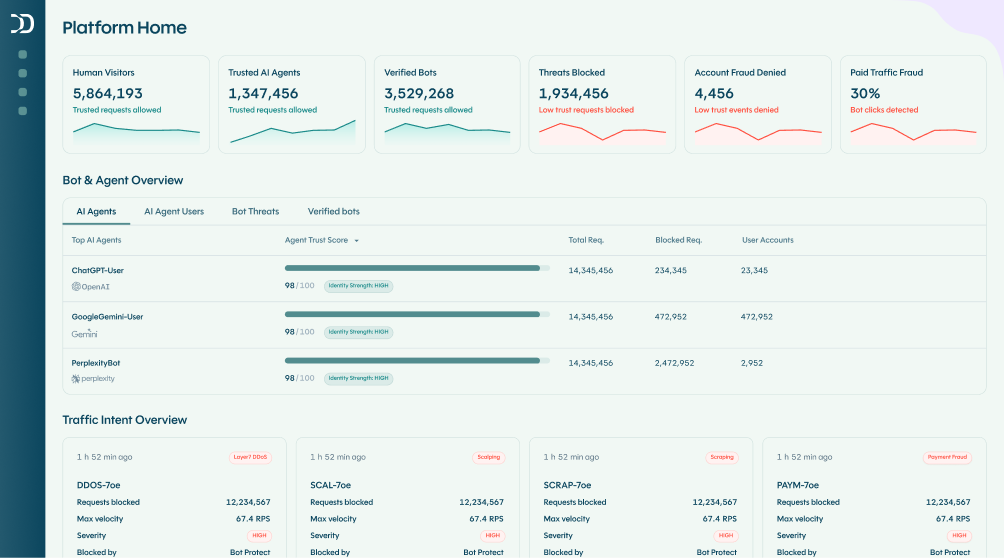
DataDome is a botnet detection and protection solution that protects your websites, mobile apps, and APIs against all types of bot attacks, including botnet attacks. Our solution detects and blocks familiar and unfamiliar bots in milliseconds, regardless of how much they rotate their IP or how well they forge their fingerprints.
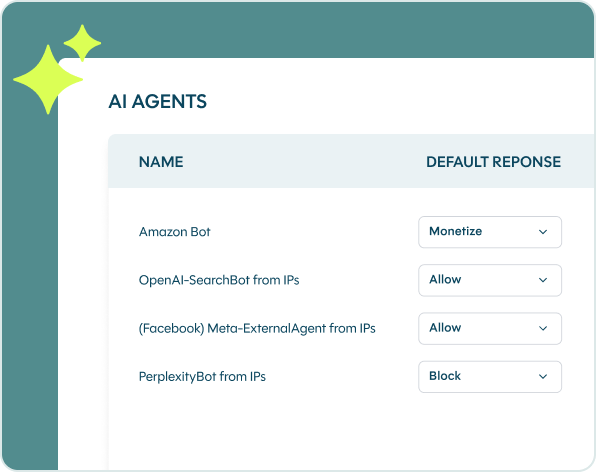
In addition, DataDome is easy to install on any web architecture and requires no daily intervention on your part. All you need to do is set up your allow list of trusted partner bots and add any custom rules if you so please. After that, DataDome will take care of all your unwanted traffic. Botnets that notice their attacks are consistently being blocked by DataDome will quickly move to other, easier targets.

Related posts
How 1001Pneus Blocked Competitor Price Scrapers & Reclaimed Its Competitive Edge
Tell me more
How to Stop Bot Traffic From Crashing Your Site During Black Friday 2026
Tell me more
Which Industries Are Least Protected From Bots & Spoofed AI Agents in 2026?
Tell me more
Why Layering a Specialist Bot & Agent Trust Solution With Your CDN Is Now Essential
Tell me more