

6 Frictionless reCAPTCHA & CAPTCHA Alternatives
CAPTCHA was a good idea, but its time has passed. Created in the 1990s to stop spam, it relies on puzzles that were once easy for humans and hard for bots. But in the age of AI, the opposite is true: bots can now solve CAPTCHAs faster and more accurately than people can.
Most of us are probably familiar with one particular implementation of CAPTCHA: reCAPTCHA, which is owned by Google. Google’s reCAPTCHA has gone through several iterations, from presenting readers with words that helped digitize the archives of the New York Times (reCAPTCHA v1) to running invisibly in the background and giving each user a score (reCAPTCHA v3).

In this blog post, we will talk about the limitations of traditional CAPTCHAs and reCAPTCHA, what modern CAPTCHA alternatives exist, and how you can prevent form spam without frustrating your users (yes, it’s entirely possible).
What’s wrong with traditional CAPTCHA & reCAPTCHA?
Most people have failed a CAPTCHA at some point. It’s a frustrating experience—and one that can cost you conversions.
A Stanford study found it takes humans an average of 10 seconds to solve an image CAPTCHA, nearly 30 for an audio one, slowing users down at exactly the moments you want them to move fast. Traditional CAPTCHAs are also inaccessible by design: image challenges trip up non-English speakers and visually impaired users, audio options offer limited language support, and text CAPTCHAs are a real barrier for people with dyslexia.
Worse, all that friction doesn’t even keep bots out. Three researchers from Columbia University built a low-cost CAPTCHA attack that solved 70.78% of reCAPTCHA challenges automatically. And bots don’t always need to solve CAPTCHAs themselves—they can simply query a CAPTCHA farm via API and get a solution in under a minute for next to nothing. Yesterday’s CAPTCHAs are no match for today’s bots.

What to look for in a modern verification method
A good CAPTCHA alternative should have a few key features:
- High speed and a user-friendly design for your user experience (UX)
- Compliance with global and local data privacy regulations like GDPR
- Analysis of behavioral signals, not just puzzle-solving
First, traditional CAPTCHAs and even alternative verification methods should never be your first (or only) line of defense. You need sophisticated bot detection that integrates with any user-facing verification method to detect not just well-known security threats but also advanced ones, since bots evolve so rapidly.
Second, you want something optimized for a good UX. Verification methods should be supported by highly accurate technology that remains virtually invisible to end-users. False positives—genuine users who get blocked and shown a verification step—must be as low as possible. Some providers, like DataDome, boast a false positive rate that’s less than 0.01%.
Third, data privacy compliance is a key requirement for any tool you integrate into your customer journey. Trust is as essential for online interactions as it is for your customer relationships and your user experience. Therefore, your end-users need to be able to trust that all technology on your platform is compliant with data privacy standards, such as GDPR.
6 alternatives to traditional CAPTCHAs & reCAPTCHAs
We explore 6 CAPTCHA and reCAPTCHA alternatives that are more user-friendly and accessible without sacrificing your site’s security.
1. Blocking adaptive bots with an advanced bot protection solution
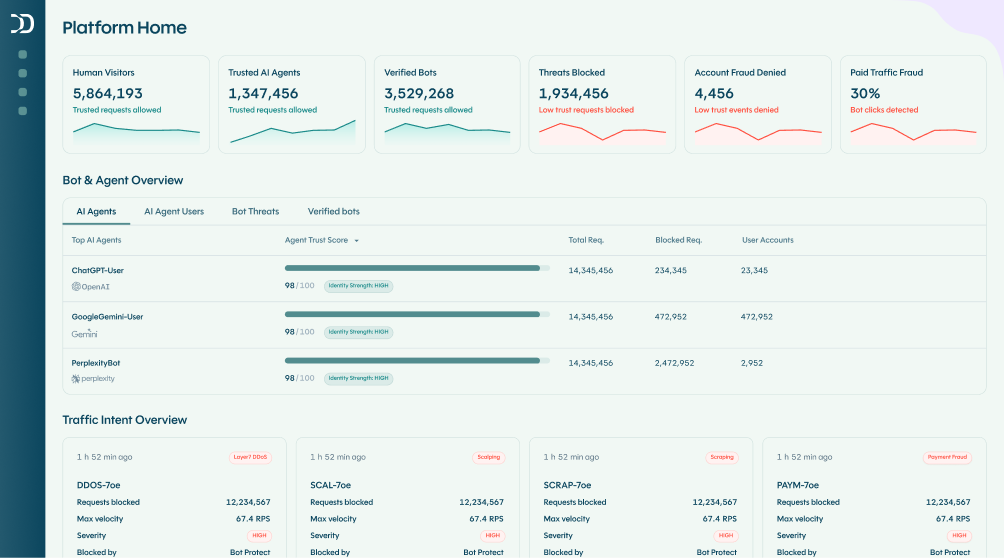
The best CAPTCHA or reCAPTCHA alternative is an advanced bot protection solution that takes a verification-first approach to security. With advancements in AI, traditional CAPTCHA challenges fail to stop modern bots regardless of puzzle difficulty. Instead, by analyzing behavioral and environmental signals, the vast majority of users can be verified silently in the background.
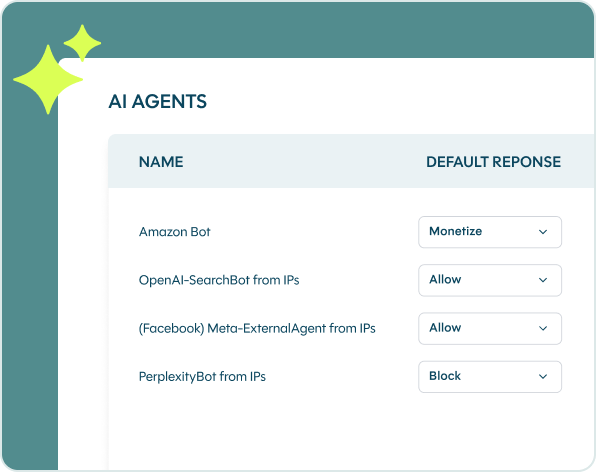
With DataDome, only when additional verification is required should users encounter a simple, frictionless interaction. DataDome gives you “have it your way” flexibility to choose the response type that best fits your business.
Through invisible protection like Device Check and frictionless CAPTCHA alternatives like our Slider, DataDome ensures robust security without compromising the user experience, operating in real time to keep your customers moving smoothly.
Pros of complete bot protection:
- Stops the most sophisticated malicious automated threats without adding user friction
- Replaces frustrating puzzles with a verification-first approach and frictionless CAPTCHA alternatives
- Provides flexible response options tailored to your specific risk tolerance and business needs
- Reduces user abandonment at critical endpoints like login and checkout
- Respects global data privacy regulations
Cons of complete bot protection:
- Requires budget allocation (commercial solutions aren’t free like basic reCAPTCHA)
2. Blocking simple bots with a honeypot
One alternative to reCAPTCHA and CAPTCHA is an anti-spam honeypot, a security mechanism meant to misguide bots. For example, a form with an extra field visible to bots but hidden from humans with CSS or JavaScript. Anything that fills out the hidden field won’t be let through.
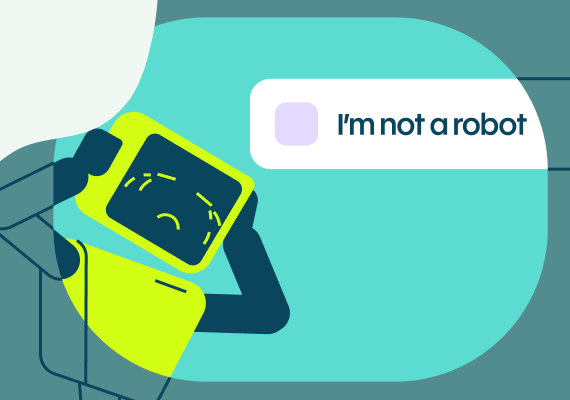
Another example is a second checkbox, once again hidden with CSS or JavaScript, underneath the familiar “I am not a robot” box that says, for example, “I am a robot.” Some bots will tick both boxes and betray their true nature in the process.
Unfortunately, honeypots are pretty simple for bots to beat. While a honeypot might stop a few bots initially, hackers will quickly figure out what’s happening and circumvent the honeypot with a few lines of code. In addition, your real users with screen reader software or CSS disabled might be confused by a honeypot.
Pros:
- Invisible to most users
- Can stop simple bots
Cons:
- Doesn’t stop the most dangerous or persistent bots
- Confusing for people with screen reader software
3. Blocking spambots with an anti-spam plugin
Your content management system (CMS) might have plugins that protect you against spam. The Akismet plugin for WordPress websites is a well-known example. It checks all comments and filters out those that look like spam. Unfortunately, this type of plugin only protects against spambots, not any of the other bots that can damage your platform.
The Akismet plugin is free for personal blogs but paid for commercial sites and blogs. The enterprise plan costs just over $500 a year, but it limits you to 60,000 API calls per month, which is not enough to stop the most dangerous bot attacks, which send millions of requests in a few days.
Pros:
- Easy to install and configure
- Relatively affordable
Cons:
- Limited number of API calls in the most expensive plan
- Only protects against a very simple and particular type of bot
4. Blocking basic bots with a WAF
A Web Application Firewall (WAF) only protects against the most familiar security threats, such as cross-site scripting, SQL injections, and session hijacking. They are no longer adequate protection for today’s sophisticated bots.
Bots now mimic human behavior and can rotate between thousands of IPs, easily avoiding the IP-centric, static rules of a WAF.
Pros:
- Protects against some security threats
- Familiar technology for security specialists
Cons:
- Doesn’t protect against sophisticated bots
- Relies too heavily on IP-centric, static rules
5. Using Multi-Factor Authentication (MFA)
Particularly if users can create accounts on your websites or apps, encouraging them to toggle MFA can serve as a great security measure. The trouble is, you cannot force your users to toggle MFA. They have to do it themselves.
This means that a large percentage of your user base simply won’t use it. It’s too much friction. Additionally, while MFA can protect your users against credential stuffing attacks and account takeover, it does nothing to protect your platform or users against other types of attacks, such as web scraping or DDoS.
Pros:
- Among the better CAPTCHA “alternatives”
- Easy to install and inexpensive
Cons:
- Adds significant friction to your UX
- Many of your users will not toggle it on
- Only protects against very specific bot attacks
6. Adding biometric security
Biometric security is a security layer that relies on biological measurements, such as facial recognition to unlock your iPhone, the fingerprint scan on your Surface laptop, and voice recognition to activate Alexa. Biometrics can serve as replacements for usernames and passwords, particularly powerful in combination with MFA.
But biometric security struggles with the same problem as MFA. You cannot enforce it. You can give users the option to enable fingerprint scanning to access your app, but you can’t force them to activate that option. Additionally, biometric security works best on smartphone apps but isn’t yet used as a common security layer for websites.
Pros:
- A powerful security option when combined with MFA
- Hard to hack or circumvent
Cons:
- Can’t be enforced
- Not commonly used for websites
Protect your users with DataDome’s frictionless bot and AI agent protection
If you’re ready for a more effective and user-friendly alternative to a traditional, siloed reCAPTCHA, DataDome is a real-time bot and AI agent trust management solution that provides a powerful security layer against all malicious automated threats.
Our approach is verification-first, meaning most users are verified through invisible protection without ever seeing a challenge. For the small fraction of traffic that requires a second look, we use a simple, frictionless slider—our CAPTCHA alternative.
This two-layered approach provides robust security without sacrificing user experience. Our invisible verification analyzes dozens of signals in milliseconds. When more data is needed, our slider collects behavioral signals like mouse movements and touch dynamics, all without a frustrating puzzle to solve, overcoming the failure of traditional CAPTCHAs against modern bots.
DataDome only takes a few minutes to install and is compatible with any infrastructure. Book a demo to see DataDome’s CAPTCHA alternative in action today.
Your users shouldn’t have to prove they’re not bots. With DataDome, they won’t have to.
Frequently Asked Questions
A modern bot protection solution uses invisible verification to stop spam and other threats without relying on frustrating puzzles. The best solutions offer a frictionless user experience as the default.
Traditional CAPTCHAs are siloed, inaccessible, not privacy compliant, not secure, and not user friendly, leaving you and your users exposed to many dangerous bot threats. You need a full-circle solution that learns from each request and detects bots with accuracy.